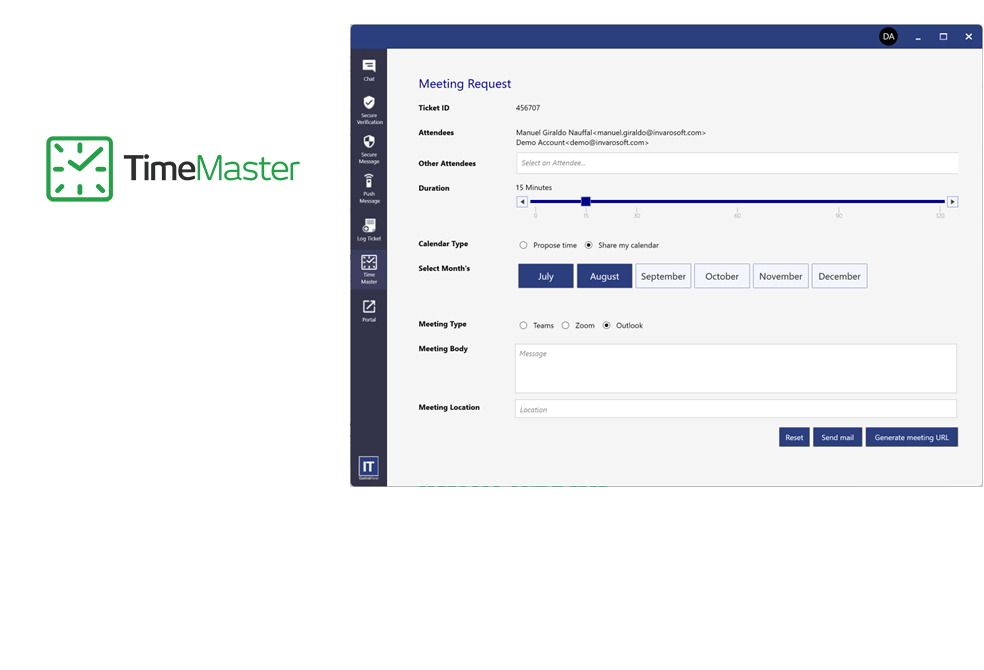
In today’s fast-paced digital environment, Managed Service Providers (MSPs) are tasked with handling numerous clients, projects, and service requests. Efficient scheduling software is paramount to keeping operations smooth and ensuring client satisfaction. The right MSP scheduling software can streamline processes, improve productivity, and reduce the risk of human errors. However, selecting the best tool involves understanding your business needs, evaluating key features, and considering integration capabilities.
Key Features to Consider
When evaluating MSP scheduling software, consider the following essential features:
- Automated Scheduling: The ability to automate scheduling tasks helps reduce manual input and errors.
- Real-time Updates: Ensure the software provides real-time updates for any changes or conflicts in schedules.
- Integration Capabilities: Seamless integration with existing systems such as CRM and ERP is crucial for a unified workflow.
- Customization Options: Customizable dashboards and reports are beneficial for tailoring the tool to specific business needs.
- Mobile Access: Mobile-friendly interfaces enhance accessibility for field teams.
Assessing Business Needs
Understanding the unique requirements of your business is the first step in selecting the right scheduling software. Consider the following factors:
- Scale of Operations: Determine the size of your operations and the number of clients handled daily.
- Nature of Services: Identify whether you provide standard services or highly customized solutions, as this will affect scheduling complexity.
- Resource Allocation: Evaluate how resources are currently allocated and potential areas for improvement.
- Budget Constraints: Have a clear understanding of the budget allocations for software investment.
Integration and Compatibility
Integration with existing systems is essential to maintain a seamless operation. Evaluate the software’s compatibility with:
- Customer Relationship Management (CRM) systems for streamlined client interaction.
- Enterprise Resource Planning (ERP) systems for comprehensive resource management.
- Communication tools like Slack or Microsoft Teams for enhanced team collaboration.
Ensuring that the software can easily integrate with these platforms will enhance its utility and reduce the need for additional tools.
Trial and Feedback
Before finalizing any scheduling software, it is advisable to:
- Take Advantage of Free Trials: Use trial periods to assess the software’s usability and feature set.
- Collect Team Feedback: Involve team members in the evaluation process to gather diverse insights.
- Evaluate Customer Support: Test the software’s customer support service to ensure timely assistance.
Making the Final Decision
After thorough evaluation, making the final decision involves balancing functionality with cost-effectiveness. The right MSP scheduling software should cater to current needs while being scalable for future requirements. Keep in mind that investing in a tool that improves efficiency and productivity will yield long-term benefits.
By adhering to these guidelines, businesses can select the optimal MSP scheduling software that aligns with their operational goals and enhances overall service delivery.